A TV Time alternative
Shows and movies.
In one place.
The TV Time app has shut down. Bring your entire watch history into the new app in one import — before it's gone for good.
Download for Android (early access)A direct APK, not on the Play Store yet — fast and regular updates.
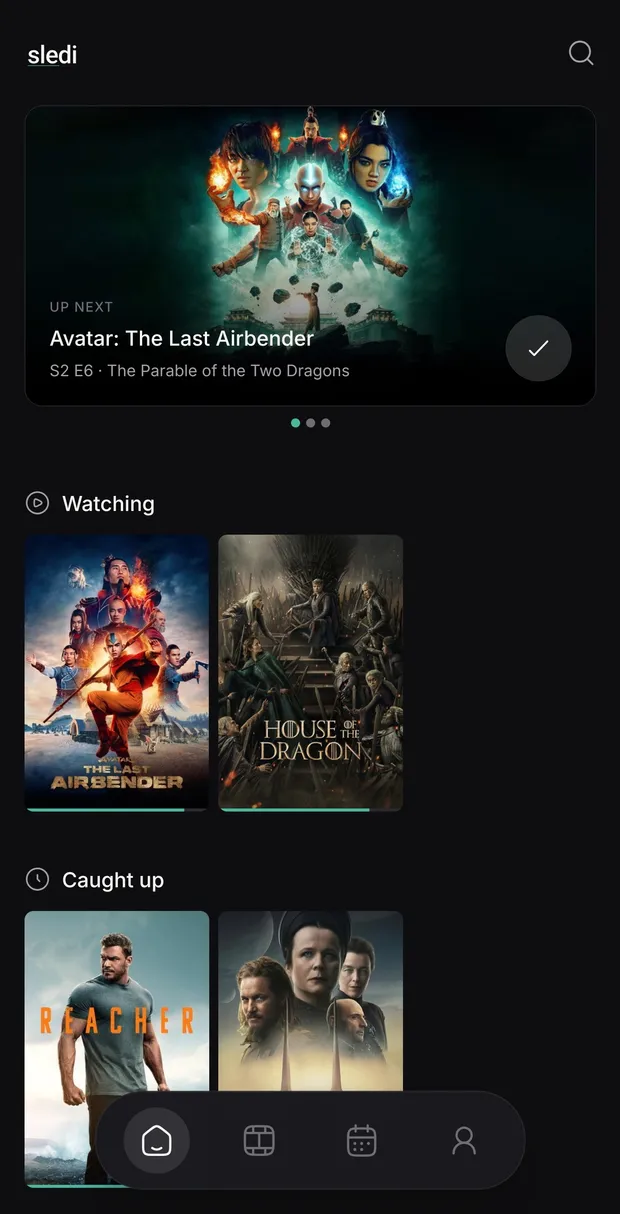
Importing from TV Time…
One import, key data preserved
Your whole history
in one step.
Every show, every episode you've checked off, every rating — carried over from TV Time exactly as you left it. No re-entering years of history by hand.
Built for watching, not browsing
-
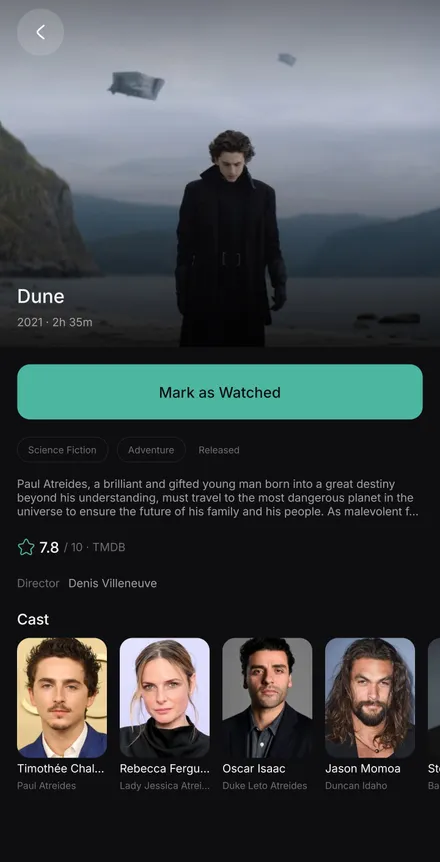
One-tap logging
Mark an episode as soon as you finish it.
-
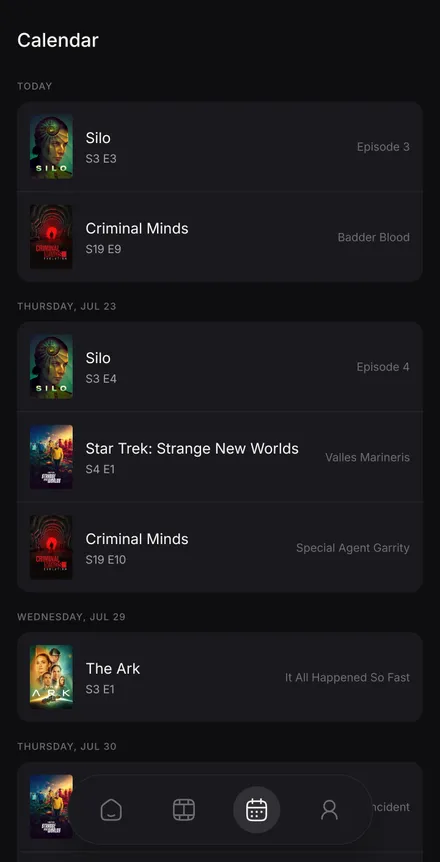
Upcoming episodes by date
A calendar of upcoming episodes and movies, so nothing slips by unwatched.
-
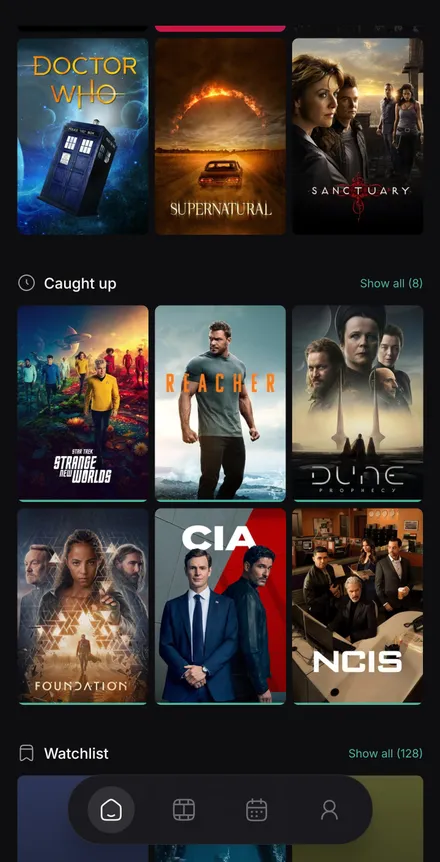
Currently watching vs finished
Your list quietly sorts itself into what's active, dropped, forgotten, and what's finished.
Your data is yours
Sledi is an independent project, built and maintained by one developer — made because TV Time shut down and stranded years of people’s watch history. Your data is yours: export it or delete your account any time. No ads, no trackers, nothing sold.
- Export anytime
- Delete anytime
- No ads, no data selling
Common questions
-
Why isn't Sledi on the Play Store? Is it safe to install?
Sledi is in early access and distributed as a direct download from GitHub Releases. It asks only for the permissions it needs to work, has no ads and no advertising trackers, and its full privacy policy is public. You can see exactly what each release contains on GitHub before you install it.
-
How do I install the APK?
Download the latest APK and open it. The first time, Android will ask you to allow installs from your browser or files app — approve that, then tap Install. You can turn the permission back off afterwards.
-
How do I import my history from TV Time?
Request your data export from TV Time, then open the import screen in Sledi and upload the file. Sledi matches your shows and episodes against TMDB and shows you anything it couldn't place. Your uploaded file isn't kept afterwards.
-
Is it really free? What's the catch?
It's free, with no ads and nothing sold. No advertising, no data brokers, no social features mining your activity. Sledi exists because a tool people relied on disappeared — not to monetise your viewing history.
-
When is iOS coming?
iOS is planned. Add your email above and you’ll hear from us when it’s ready — that address is used only to notify you, nothing else.
-
Can I get my data out later?
Any time. Export your whole history as a file from inside the app, and delete your account and everything in it whenever you want.